
Customer Communication Automations
Client communication
Better-tracked communication directly improves the client relationship.
Keep a reliable trace of client requests
Know who must reply, call back, or confirm
Prepare recurring messages without losing control
Give the owner a clear view of open follow-ups
Where client follow-up usually breaks
Request received
The client request is captured from WhatsApp, email, or form with source and context.
Follow-up prepared
The system prepares the reminder, checks history, and assigns an owner.
Human validation
The team approves the message or adjusts the next action before sending.
Manager visibility
Open follow-ups, delays, and risks remain visible until closure.
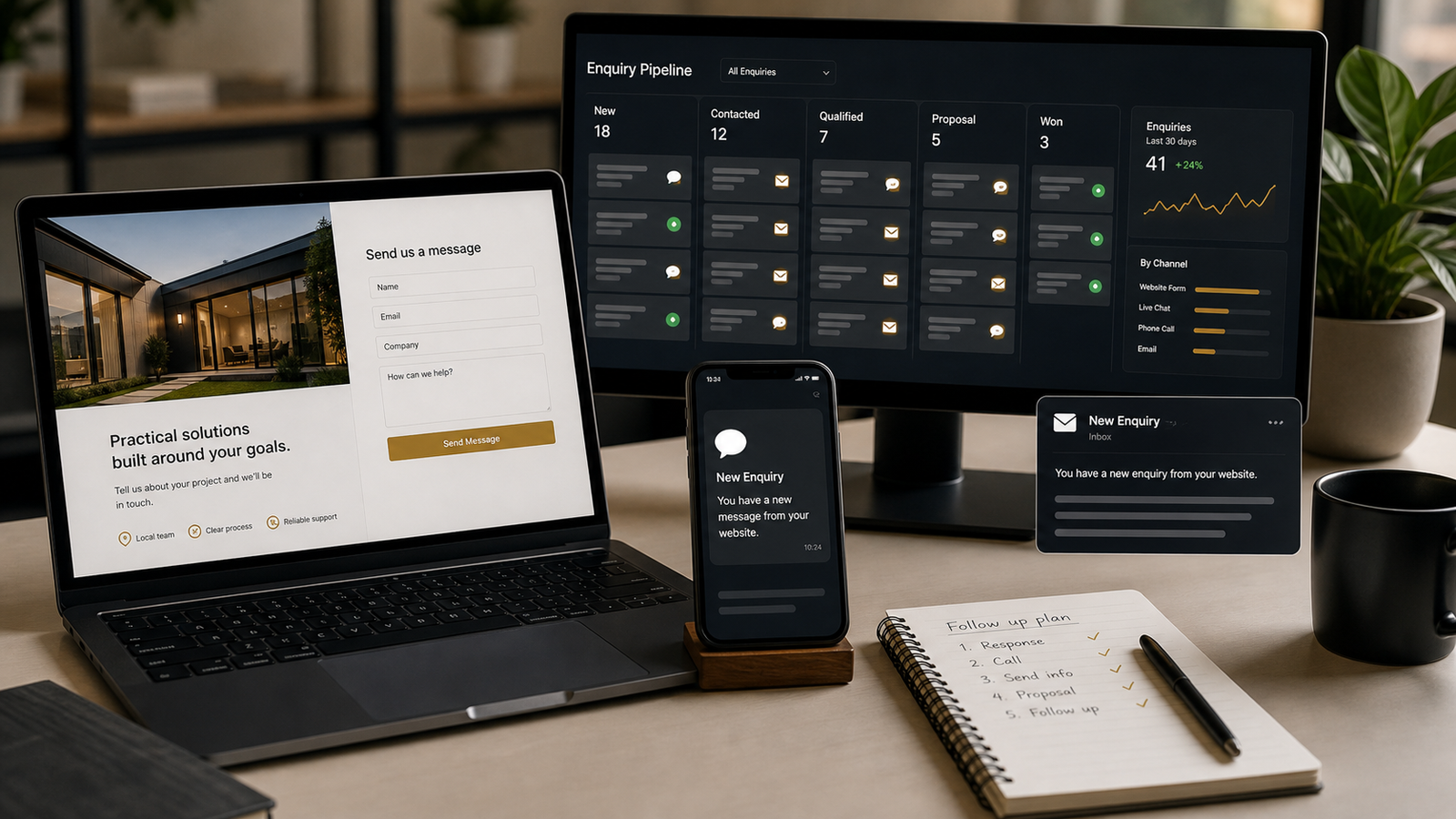
What the client follow-up system gives the team
One place to see who is waiting and what must happen next.
- Client
- Status
- Next action
A message ready for review before sending.
- Context
- Draft
- Approval
Sensitive communication stays blocked until validation.
- Validate
- Adjust
- Send
Frequently asked questions
It can, but the preferred first version prepares messages and waits for human validation.
Yes. The scope starts from the channels the team already uses.
The team sees which clients are waiting and which follow-up is late.
Audit client reminders and follow-up
Send the current reminder process, channels used, and examples of forgotten follow-ups. The first scope will define the board, rules, and validation points.
Directory