
Customer Service
Customer service
Customer service improves when every request keeps a status and owner.
Which requests are repetitive and predictable?
After what delay should the team be alerted?
Which messages must remain human-approved?
Which manager view would show waiting clients?
Customer service problems to make visible
Request intake
Group emails, forms, WhatsApp, call notes, and social messages into one tracking view.
Prepared replies
Prepare recurring replies with client context, history, and next step.
Reminders and follow-up
Schedule internal reminders or messages to validate after a quote, appointment, or open request.
Escalations
Alert a manager when a client waits too long or when a request becomes sensitive.
Possible automations for Customer service
| Automation name | Business problem | How IA Koncept solves it |
|---|---|---|
| Client request centralization | Requests arrive by email, WhatsApp, form, phone, or social media without a single view. | IA Koncept groups entries, creates a tracking status, assigns an owner, and keeps history readable. |
| Prepared client replies | Repeated questions take time and answers depend on context the team has to search for. | The system prepares a reply with history, rules, and points to verify, then leaves the team to approve sending. |
| Client reminders and follow-up | After a quote, appointment, or open request, reminders are forgotten or sent late. | IA Koncept schedules reminders, prepares the message, and keeps the case visible until closed. |
| Simple ticket triage | Urgent, repetitive, and sensitive requests land in the same queue. | The system classifies request type, detects urgency, proposes priority, and flags what should be handled first. |
| Manager view for waiting clients | The manager cannot quickly see who is waiting, for how long, and why the file is blocked. | The dashboard shows waiting clients, owner, delay, risk, next action, and possible escalation. |
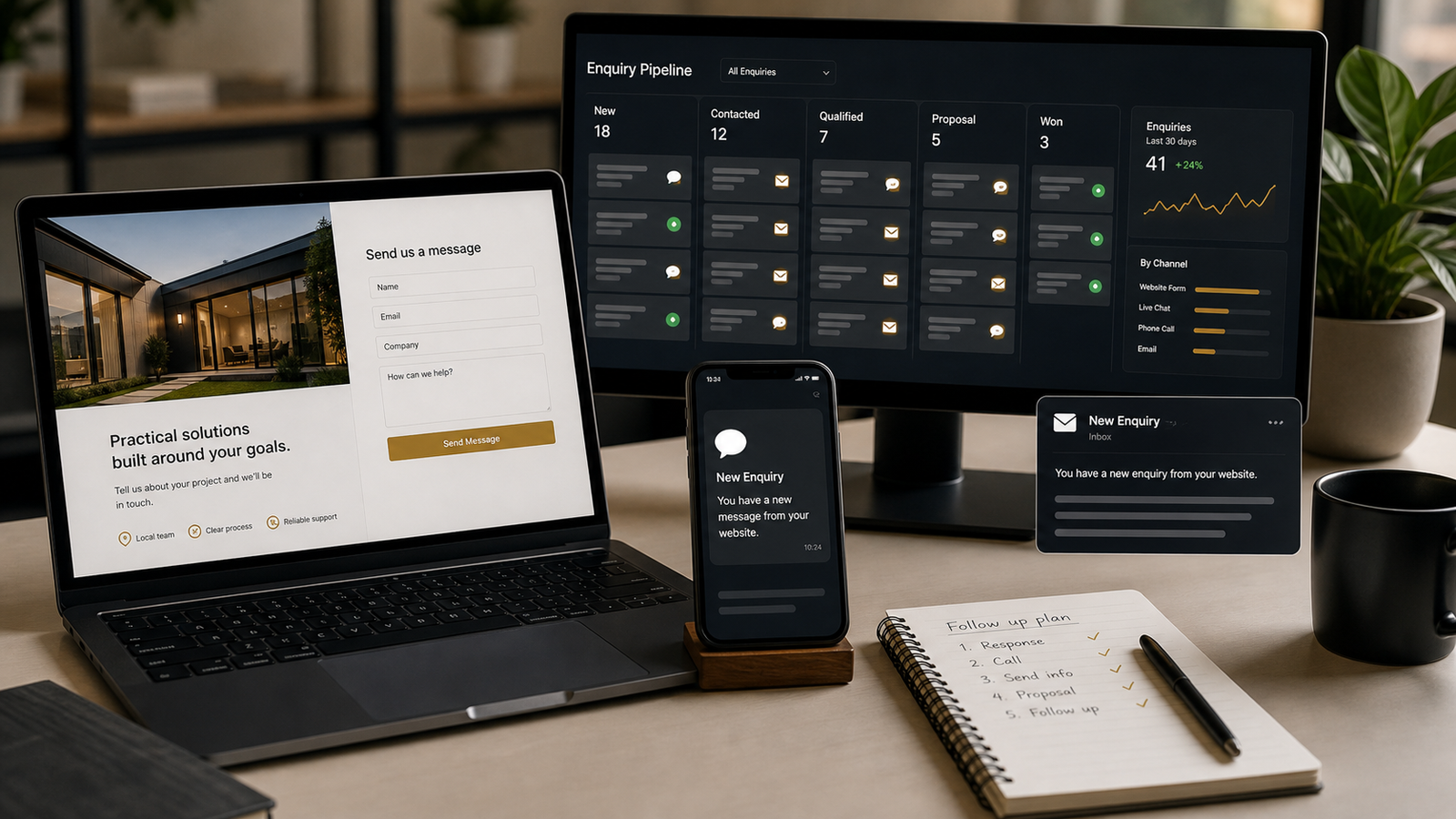
What the customer service team gets
One list of requests to handle.
- Channel
- Client
- Status
A draft ready to review or send depending on risk level.
- Context
- Message
- Approval
Follow-up that stays visible until the action is complete.
- Date
- Owner
- Delay
Frequently asked questions
Yes. The system can prepare, classify, and remind without sending until the team validates.
Yes. It is often useful when one person handles several channels and risks missing follow-up.
Yes. Client reminders and follow-up are a strong first use case.
Audit customer service
Send contact channels, request types, forgotten follow-ups, and sensitive messages. The scope will show what can be prepared, automated, or validated.
Directory